
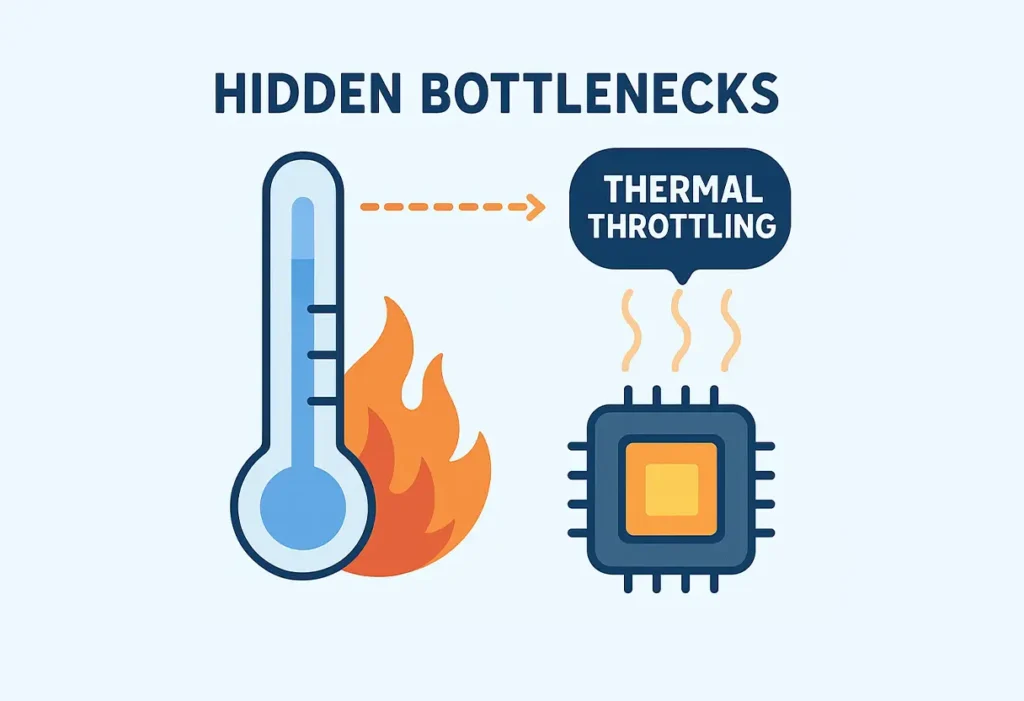
Temperature and Thermal Throttling: Hidden Bottlenecks
Have you ever questioned if your RAM is holding back your game? That frustrating stuttering and lag caused us gamers to be desperate for every single frame to fight for, just to get a smoother experience. If you want to see exactly what’s holding back your FPS, try our Bottleneck Calculator
What is Thermal Throttling
RAM, or Random Access Memory, is your PC’s short-term memory. Think of it as a cheat sheet. When you run a game, like Warzone, Fortnite, or Apex, your CPU stores essential data like textures, character models, and map data. The CPU grabs what it needs from RAM fast, for quick help if RAM can’t keep up, your FPS suffers. Unlike a hard drive (HDD) or SSD, RAM doesn’t store anything permanently; it clears out when you shut it down.
How High Temperatures Cause an Automatic Reduction in CPU/GPU Performance
your CPU or GPU is like a sprinter pushing hard but needing to cool off. When temperatures climb too high, the system acts fast:
- Sensors detect the heat spike.
- The processor dials back its clock speed to cut heat output.
- Voltage drops to reduce power draw.
- Performance takes a hit, think stuttering gameplay or sluggish renders.
The Hidden Bottleneck
Thermal throttling is a Little difficult to find out.Most folks blame lag on RAM, background apps, even Windows updates.But often thermal Throttling is the real issue Especially
- Your FPS starts dropping mid game
- Rendering stutters at A certain percentage
- Fans sound like jet engines while nothing’s happening.
- Overall system slowdowns that make no sense.
This is why it is a hidden form of bottleneck as it is not easy to pinpoint. We usually start blaming other things, but other system parts turn out to be fine. It’s frustrating because this “ protection feature “ can make your high-end CPU or GPU feel like budget hardware You can check your CPU and GPU bottlenecks using our calculator to see what’s actually limiting your system
Situations That Can Cause Thermal Throttling
If you are still confused what actually cause your system to thermal throttle, here are some of the starters run or you can run system bottleneck check
- Weak Cooling: Stock coolers or old fans often can’t keep up with modern CPUs or GPUs.
- Dust Accumulation :Even a thin coat of dust can mess with fan speeds and clog heatsinks. Over time, this can cut off airflow
- High Ambient Temperature: a warm room just makes it exponentially harder for your system to stay cool, making its cooling system work harder
- Overclocking: pushing your components beyond their stock speeds can generate more heat, seriously increasing the chances of thermal throttling.
Identifying Thermal Throttling
Spotting thermal throttling isn’t always obvious, but there are always pretty clear signals
- Performance Dips: Sudden frame rate drops or lagging during intensive tasks.
- Loud Fans: Fans running at full blast to fight rising temperatures.
- Can also try Running a stress test use Cinebench or Prime95 to get concrete data
- Monitoring Tools: Tools like HWMonitor, Core Temp, or MSI Afterburner show real-time CPU/GPU temperatures.
- If you see:
- Temps spike past 85°
- Clock speeds suddenly drop
- Voltage changes under load, then it’s most likely thermal throttling
How to Avoid Thermal Throttling on Your CPU/GPU?
As we are clear now how to spot thermal throttling lets discuss to deal with this bottleneck
Improve Cooling
This could mean upgrading your cooling solution with better fans, a more efficient CPU cooler like Noctua NH-D15 or if you want extreme performance needs can also consider liquid cooling.
Clean Your System Regularly
Regularly getting rid of dust from your fans probably the easiest and most impactful step you can take
Optimize Airflow
Rearrange your PC case for better ventilation and fans are setup correctly an important step for heat management
Apply Thermal Paste
Using high quality thermal paste like Thermal Grizzly Kryonaut and making sure it’s applied correctly can significantly improve heat transfer between your CPU/GPU and their coolers can also make a huge difference
Lower Voltage
Undervolting your CPU or GPU reduces heat without killing performance.just give your components enough power to run stably without overdoing it
Control Room Temperature
Keep your PC away from walls, heat sources, carpets and make sure it is a well ventilated spot
Keep Monitoring Temperature
Regularly check by using tools like Core Temp to monitor your system temperatures and make changes in your settings or cooling solutions as needed.
Why Thermal Throttling Matters
If you’re a gamer, streamer, or professional pushing your PC hard, thermal throttling isn’t just a tech term but it’s a pain you don’t want to bear. It can ruin a gaming session, delay a project deadline, or make your expensive hardware feel like a waste. But here’s the good news: you can tackle it just by making small tweaks here and there and fix this hidden bottleneck
Conclusion
Thermal throttling is a kind of necessary evil in modern computing. It protects our valuable hardware from truly damaging itself, but yeah, it also creates those unexpected performance bottlenecks that frustrate us. The good thing is, by being conscious about basic steps like keeping your computer’s temperature under control, you not only avoid throttling, but you also help extend the life of your CPU and GPU.